


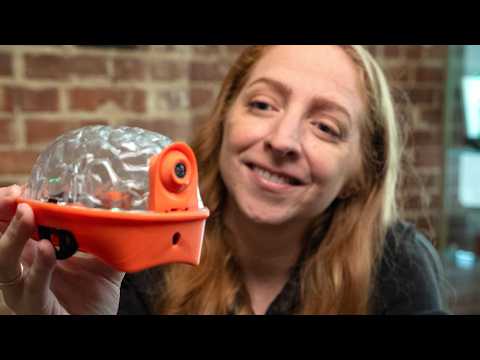
I got my hands on SpikerBot, a new robot from Backyard Brains that teaches neuroscience by letting you wire up spiking neural networks and watch them control a physical machine. It has a slew of sensors and outputs meant to mimic creatures in nature, including a camera that can detect colors and a bunch of different objects.
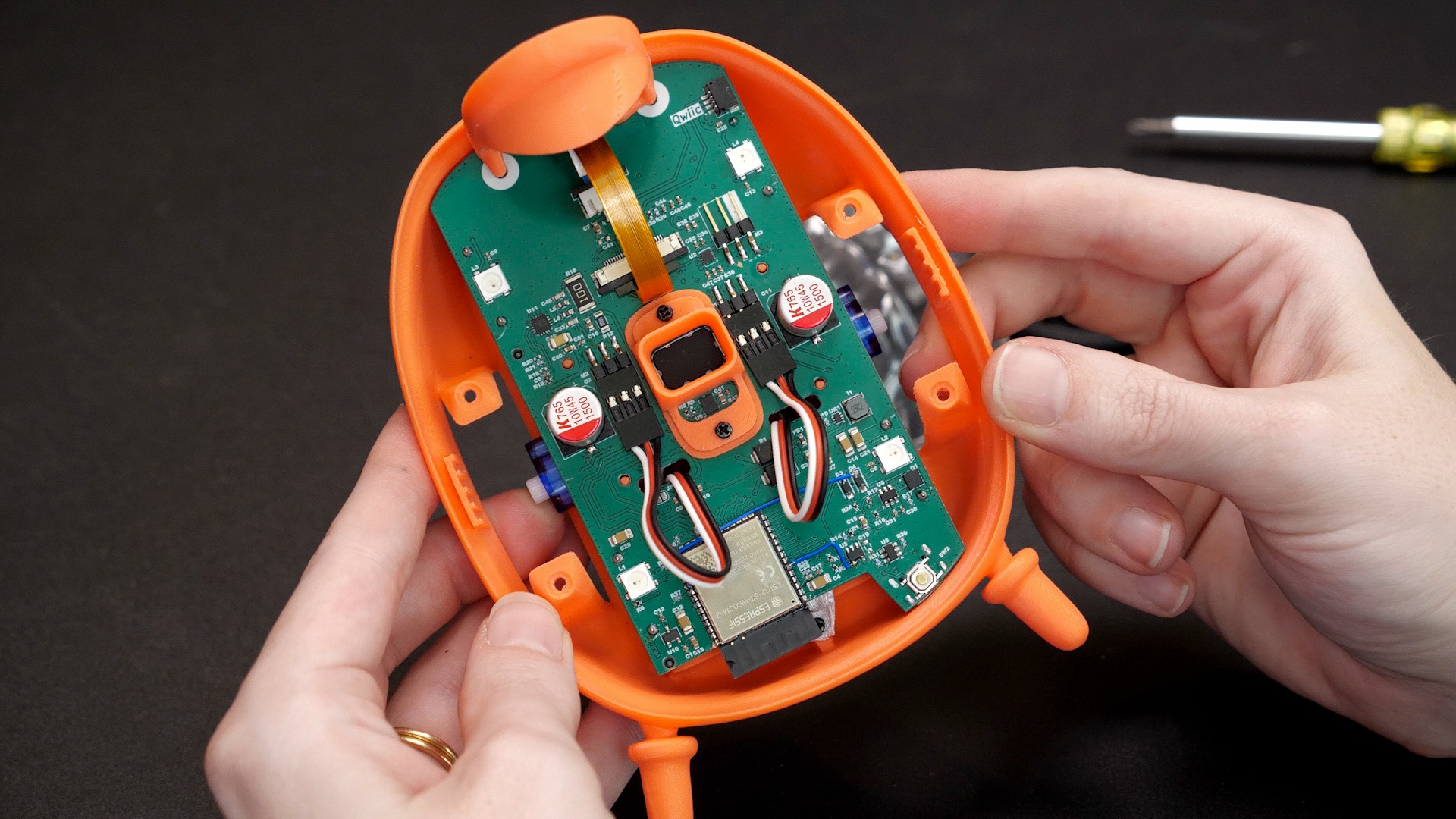
I sat down with Alex Hatch, the hardware designer who built it. Watch our full discussion in the video above. Key components inside the open-source SpikerBot:
- ESP32-S3-WROOM-2-N32R16V wifi microcontroller
- OV2640 camera module
- VL53L4CD distance sensor
- SPK0641HT4H-1 PDM MEMS microphone
- LSM6DSOTR accelerometer
- Continuous rotation micro servo motors
- WS2812B LEDs
- MAX98357A I2S Audio amp
For today’s project, I’ll show you how I used Tinkercad and Alex’s 3D templates for SpikerBot to build a custom accessory– a little plow that redirects the laser distance sensor toward the floor, so the robot can sense the edge of a table and stop itself from driving off.

SpikerBot has a lot of great sensors, but the distance sensor faces forward. That’s great for detecting walls and things in its path. But it has absolutely no idea if the floor is about to run out from under it. When I asked Alex about this during our conversation, he suggested mounting a mirror to the front of the robot at an angle to deflect the sensor beam downward, so it reads the floor in front of itself.
Alex shared the 3D templates he made for SpikerBot’s snap-fit accessories, which are designed to plug into the slots on the enclosure. The templates give you the geometry of the clip, so anything you build off of them just snaps right in. I imported the templates into Tinkercad, which is my 3D modeling software of choice because it’s free and extremely easy to use.

I needed a flat platform angled to hold a small mirror at about a 45-degree angle between the sensor and the floor. I was looking at my test print on the SpikerBot and thought it looked like a snow plow, so I leaned into it. I added a curved scoop front face, and now it’s a little bulldozer that can clean off my table. You can grab/copy my 3D file on Tinkercad.
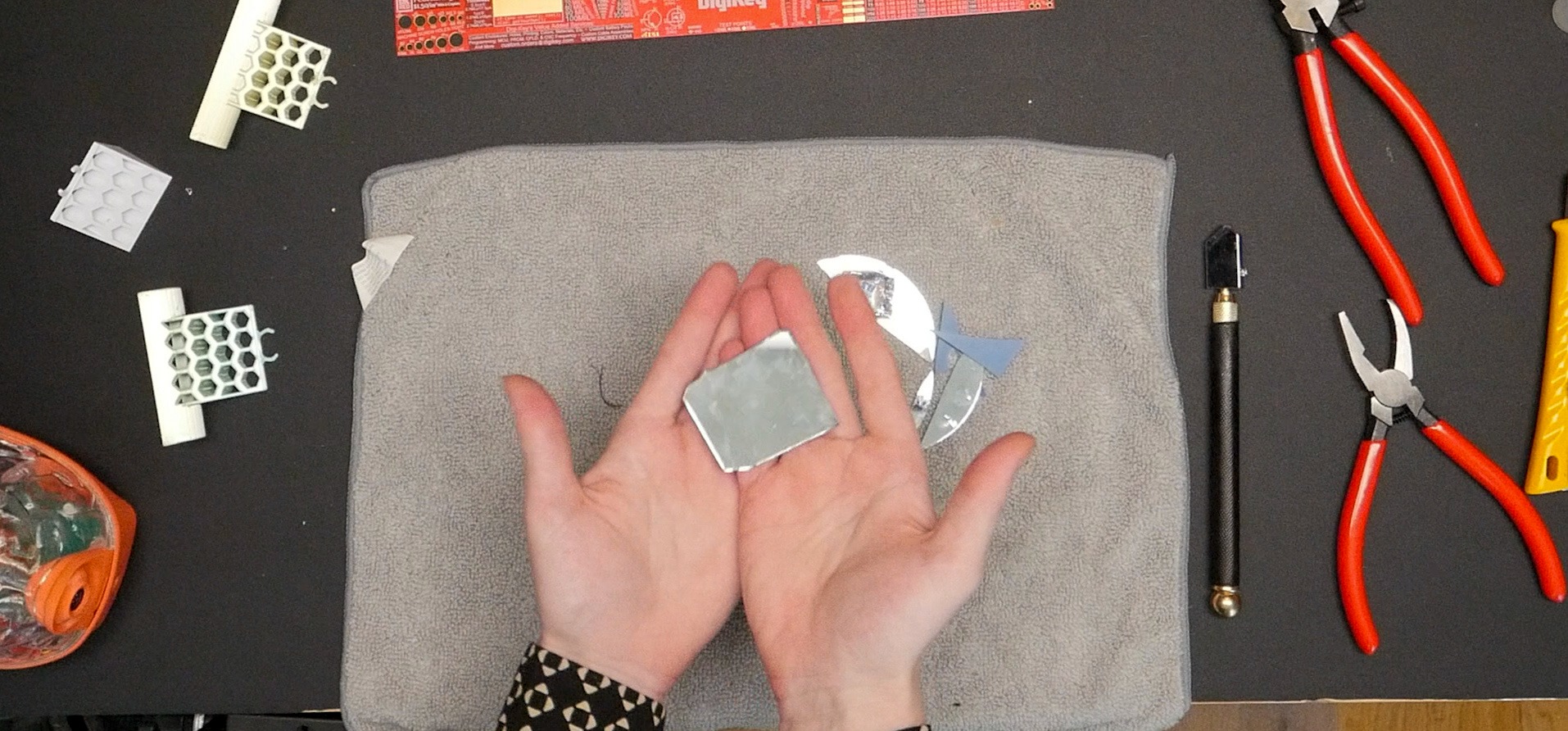
Now all that’s left to do is cut the mirror to size. “Easy,” I thought, as I ordered a new set of glass-cutting tools. I hadn’t done stained glass since I was a kid, but because I had a sense memory of it, I didn’t feel the need to refresh my knowledge before diving in. Big mistake, and I broke a few mirrors before my hubris caught up with me.
To cut glass quickly and easily, work on a soft surface and score the surface exactly once, using a straight edge as your guide and a specialty glass tool. Then move the workpiece to the edge of the table so the score line is aligned with it and, with one swift motion, snap the glass down over the edge of the table.
Even still, it came out a little jagged, so I used my tiny belt sander to clean up the edges.
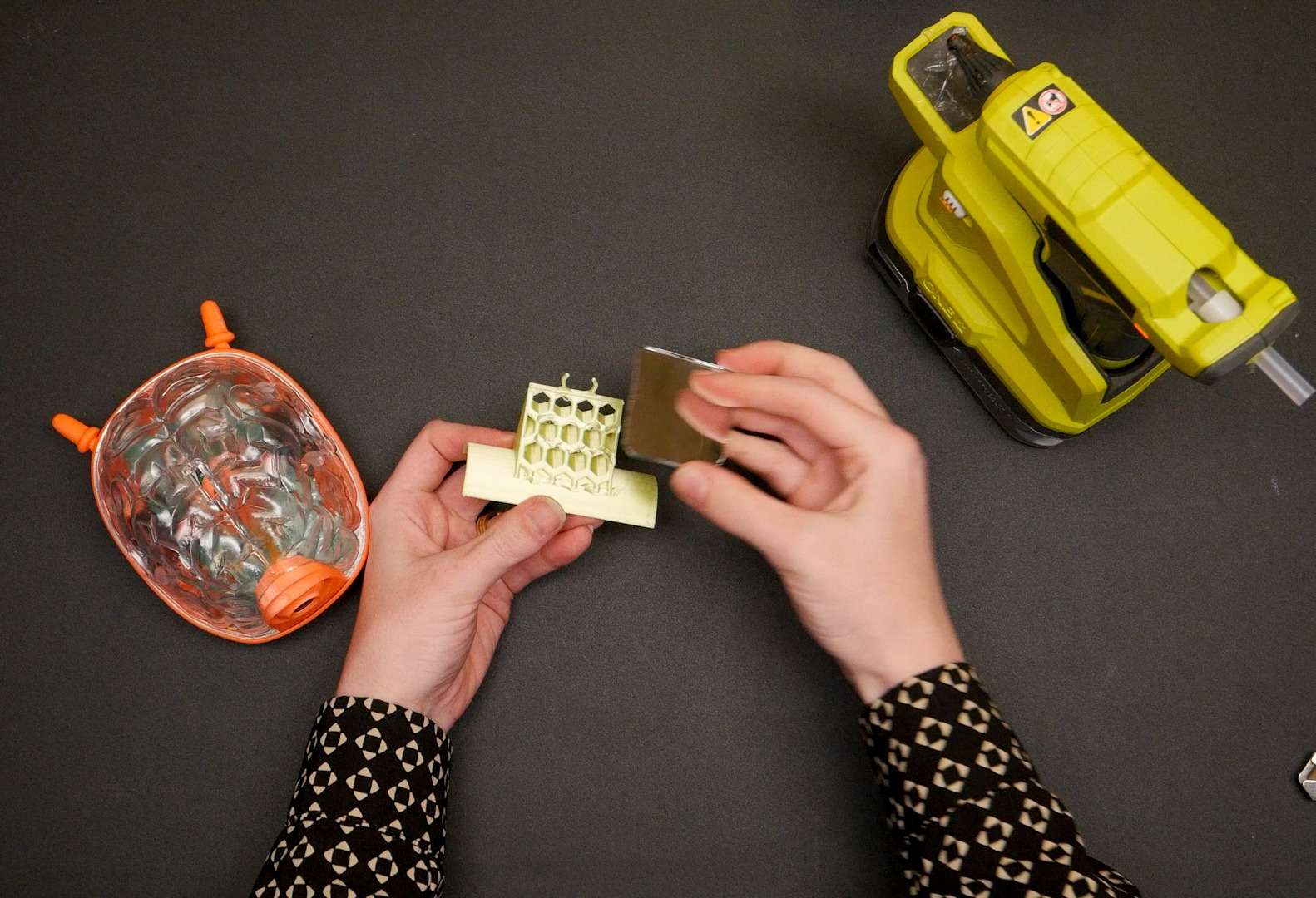
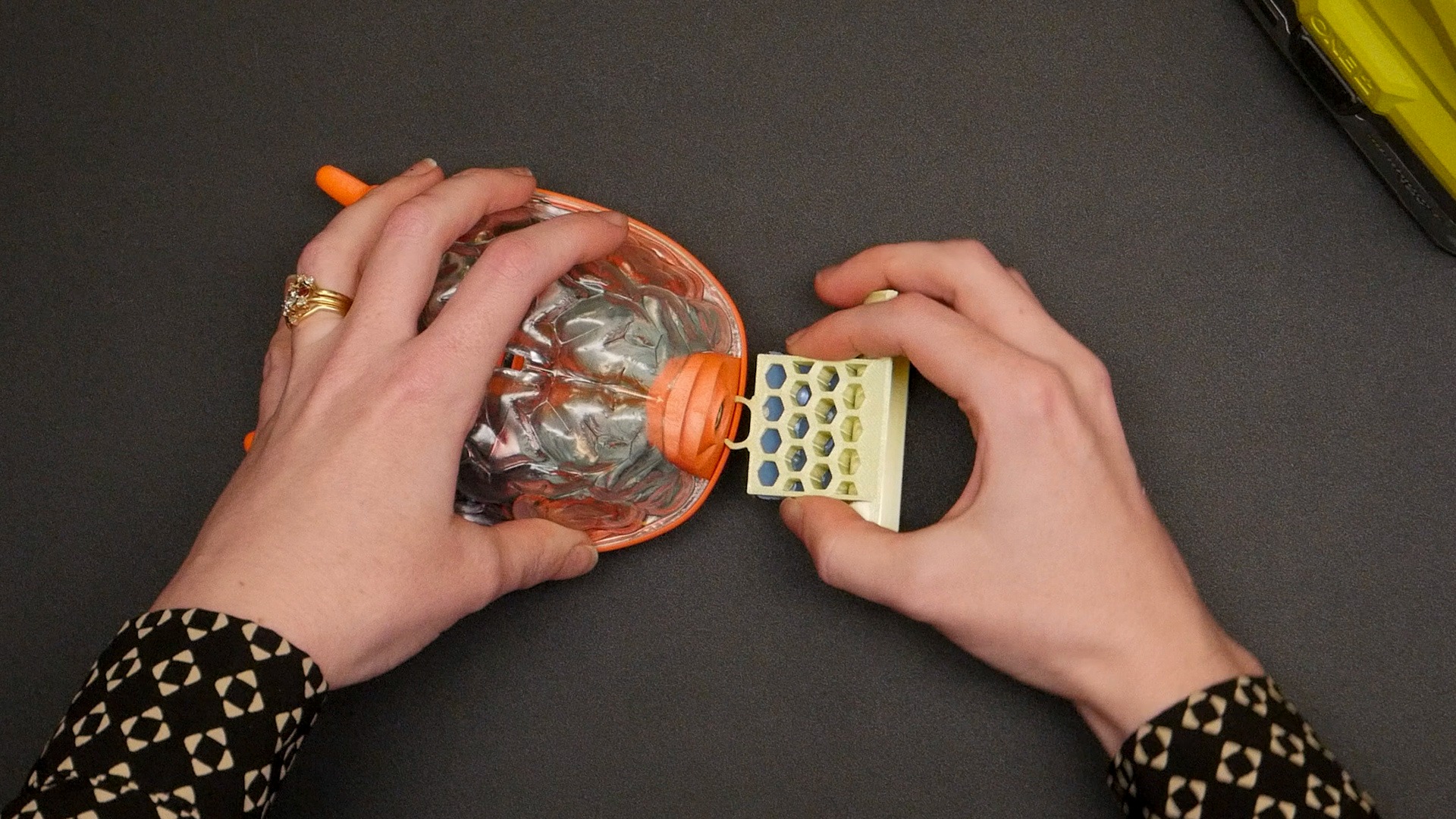
I attached the mirror to the 3D print with hot glue. You could also use double-sided tape.
Next, it’s time to make the robot use its new accessory. SpikerBot comes with a library of sample neural circuits– what they call “brains”– that you can load, modify, and save as your own. There’s one called Explorer, which is a great starting point for what I’m trying to do.
The Explorer brain does a few things: it randomly wanders around, and when the distance sensor reads below a certain threshold, meaning something is close, it triggers a backup response. The robot retreats, makes a sound, and lights up red, then goes back to wandering.
The key to making this work to sense the floor is that threshold value. In the default Explorer brain, it’s set to trigger when something is close. I want it to react when something is far, signaling that the floor has disappeared.

In the app, there’s a range selector. I inverted the threshold. The floor should always be close, so when it suddenly reads far, that means you’re about to go over the edge.

It works, even better than expected! It’s not perfect, though. The Explorer brain has some movement patterns that work fine on the floor, but are problematic on the edge of a surface. It can still back off an edge since it can only see in front of it, and if it’s driving at too steep an angle to the edge, it can slide off the side before the sensor sees far enough ahead to react. Alex also mentioned that since the bot is listening to the app, wifi congestion could slow down SpikerBot’s response time, but I didn’t encounter this issue during my tests.
So if I were to take this further, I’d tweak the movement settings to try to overcome the remaining issues. And there are so many other fun things to try with SpikerBot; I’m excited to continue exploring.